I used to treat Monopoly GO as a solo game. I rolled dice, built landmarks, and quietly minded my own board. Then a friend sent me a short string of letters and numbers and told me it was their Friend Code. I assumed it was some kind of promo code, but it turned out to be the easiest way I have found to connect with other players. In 2026, Friend Codes remain the standard way to add people in Monopoly GO, and once I understood how they work, my whole experience changed.

The game is simply better with friends. I can visit their boards, shut down their landmarks, steal from them in Bank Heists, open the Community Chest, or team up during special events. Friend Codes make that connection feel almost instant. Each player gets a unique alphanumeric code tied to their account. I share mine, they share theirs, and suddenly we are in each other’s games without any guesswork.
Finding My Own Code
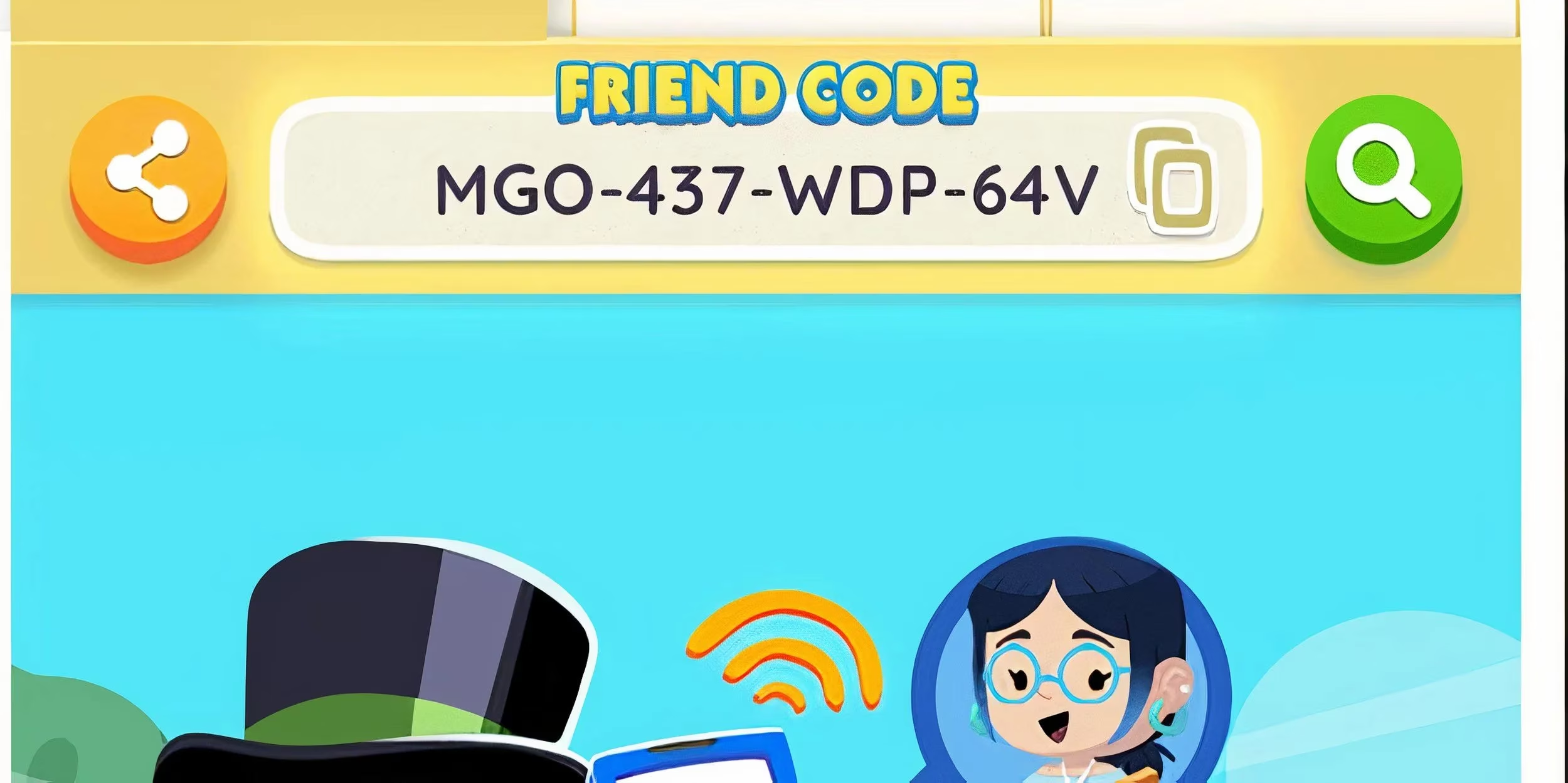
The first time I went looking for my code, I expected it to be buried in settings. It was not. I launched Monopoly GO, tapped the Friends menu at the bottom right of the screen, and found my Friend Code displayed prominently at the top under the Add Friends tab. I copied it and sent it to a cousin who had just started playing. A few seconds later, we were friends in the game.
Here is the exact routine I use:
-
Launch Monopoly GO on my device.
-
Tap the Friends menu at the bottom right.
-
Look at the top of the screen under the Add Friends tab.
-
Copy my Friend Code and share it however I like.
-
Or tap the Share button to open my device’s share menu.
I like keeping my code in a note on my phone. That way, when someone new joins my family group chat or asks about the game, I can paste it immediately. It saves me from hunting through menus while a timer is ticking.
Adding Someone Else’s Code
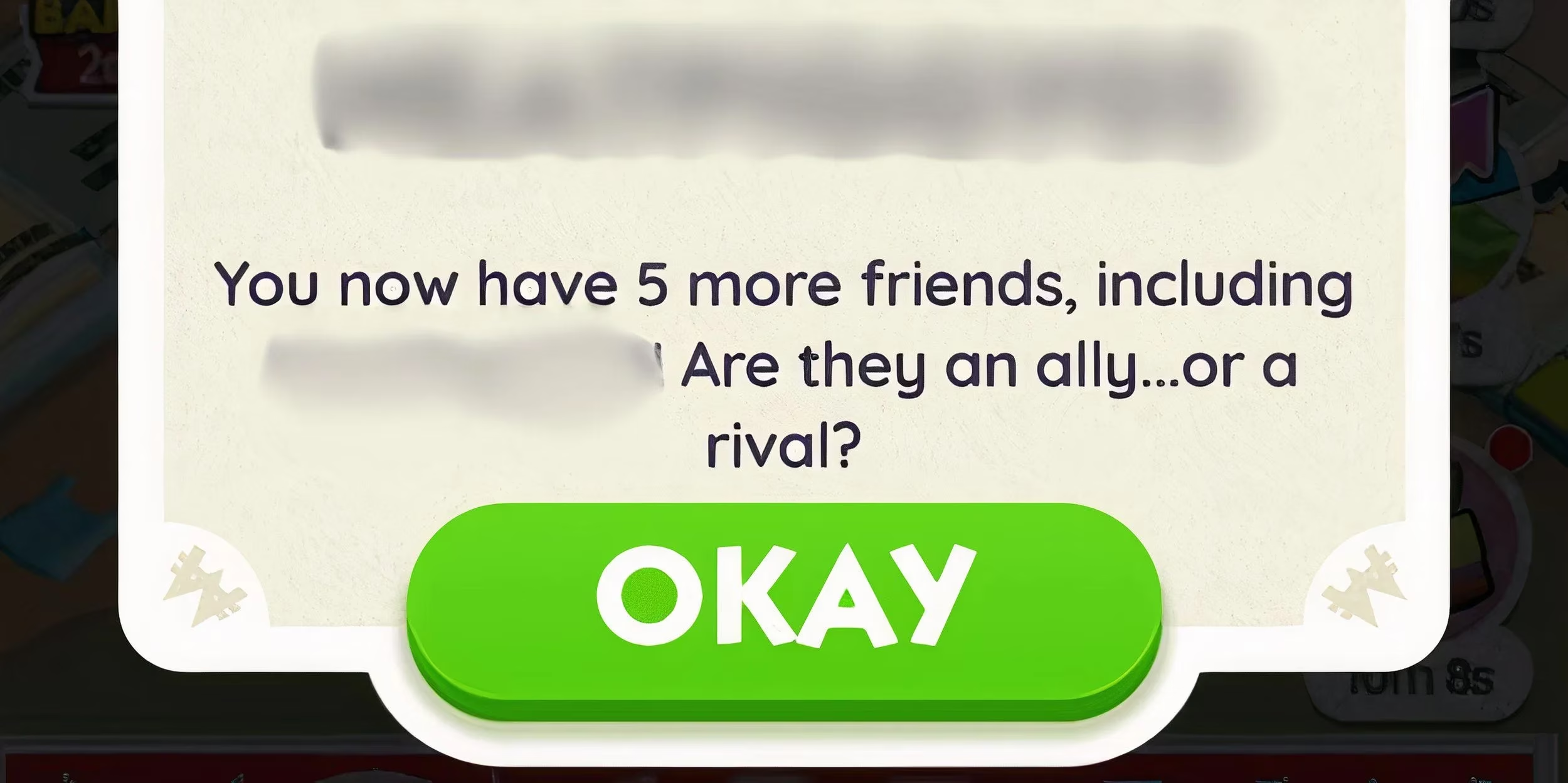
A few days later, a different friend sent me their code. I opened the Friends menu, tapped the Search icon, and used the green magnifying glass on the right. I entered their code in the designated field and hit Search to send a friend request. The confirmation popped up quickly, and we were able to play together right away.
My steps for adding a friend are just as simple:
-
Open the Friends menu.
-
Tap the Search icon.
-
Tap the green magnifying glass on the right.
-
Enter the player’s Friend Code.
-
Hit Search to send the request.
-
Wait for the notification that we are now friends.
That tiny workflow has become second nature to me. I do not need to ask for account names or worry about spelling mistakes. The code does the work.
Why I Keep Using Friend Codes
Once someone is on my friends list, the game opens up in ways that solo play never did. I can trade stickers through Safe Exchange, which has helped me finish albums without spending hours in random chats. I can invite friends to co-op minigames like Tycoon Racers or the Partners Event. I can also check the Leaderboard section of the Friends and Family menu to see their current net worth. That last feature is dangerous, because I always want to catch up.
| What I want to do | How Friend Codes help |
|---|---|
| Add a new player quickly | Share or search a unique alphanumeric code |
| Trade stickers | Use Safe Exchange with trusted friends |
| Join co-op events | Invite friends to Partners Event or Tycoon Racers |
| Compare progress | Check net worth in the Leaderboard section |
| Open Community Chest | Play alongside friends instead of strangers |
I still enjoy the quiet satisfaction of rolling dice on my own board, but Monopoly GO feels more alive when I have friends around. Friend Codes are not flashy, and they are not complicated. That is exactly why I use them. In 2026, they are the cleanest way I know to bring real people into the game, and my friends list is better for it. 🎲